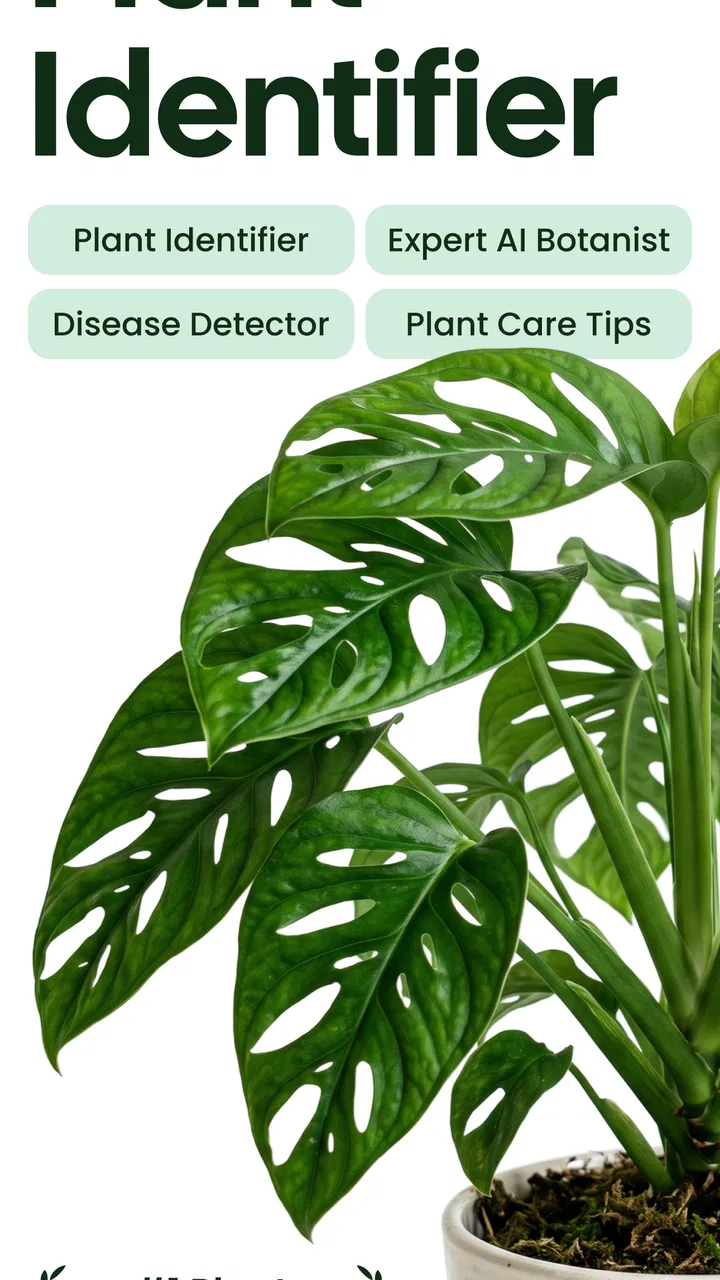
Plant App - Plant Identifier
- 4.2
- Rating
- 10.00M
- Installs
- Free
- Price

 Analysis by App-foxy
When I first opened Plant App - Plant Identifier, I expected a quick camera tool that would give me a plant name and little else. It is better understood as a practical learning aid: an education app from ScaleUp that helps you investigate plants, trees, weeds, and flowers, while also offering disease diagnosis. The free entry point makes it easy to try, although optional in-app purchases range from $3.99 to $299.99 per item, so I would pay attention to any upgrade screen before confirming anything.
My first impression was reassuring because the main idea is simple. You show the app a plant, and it attempts to turn an unfamiliar specimen into something you can research and understand. That is useful for a houseplant on a windowsill, a weed growing between paving stones, or a tree encountered on a walk. It is not a replacement for a botanist, nursery professional, or plant pathologist, but it can give you a sensible starting point instead of leaving you with a vague guess.
Getting from installation to a useful answer
Before I rely on a result, I make the image do a little more work: I choose one plant, keep distracting foliage out of frame, and use clear natural light. That simple preparation helps me judge whether the answer fits the specimen rather than merely sounding plausible. With that first scan in mind, the next section looks at what a newcomer can reasonably expect from the identification process.
You May Also Like

 Blood Strike: 2.5 Anniversary
Blood Strike’s Loadouts Turn Every Drop Into a Tactical Gamble
A close look at Blood Strike’s custom loadouts: how fast access to signature weapons reshapes its battle royale rhythm, rewards preparation, and narrows the gap between fights.

 Pandora - Music & Podcasts
Pandora’s Music Is Easy to Start, but Harder to Recover
Pandora’s strength is its low-effort path from a seed to a station. Its weak spot is how much confidence it asks you to place in connection, setup, and quiet recovery.

 8 Ball Pool
 Is Built on Rivalries, Rematches, and Routine
A close look at the rivalries, rematches, shared routines, and unanswered safety questions that turn a quick pool match into a persistent mobile community.

 Samsung Music
’s Quiet Strength Is Playing What You Already Own
Its reach comes less from spectacle than from dependable access to a personal library. That simplicity is both the app’s strongest retention engine and its ceiling.

 AccuWeather: Weather Radar
AccuWeather Review: A Quick, Clear Forecast for Everyday Decisions
For everyday plans, the best forecast is the one you can understand quickly. AccuWeather makes rain timing, radar, and local conditions easy to act on, with a few trade-offs.

 Hill Climb Racing
Why Hill Climb Racing Still Turns Crashes Into One More Run
A tiny car, a bumpy hill and one more upgrade: Hill Climb Racing keeps resurfacing because its simple chaos makes every near-miss feel personal.
More From Our News Desk



What a first-time user should expect
The app belongs to the education category, and that matters more than the short “Plant App” label suggests. I found the best results came when I treated each scan as the beginning of a small investigation rather than a final verdict. Identification is most helpful when it narrows the possibilities and gives you a name to check, compare, and remember.
The audience is broad. A curious beginner can use it to learn the difference between plants that look similar, while a more experienced gardener can use it as a convenient second opinion. Parents and children may also enjoy using it during a walk, provided an adult handles any decision involving edible plants, allergies, or treatment products. The Everyone content rating makes it approachable for general households.
ScaleUp has kept the basic purpose focused, but the app still benefits from careful use. A photograph with one clear subject is more useful than a crowded image containing several leaves, stems, and flowers. If you point the camera at an entire garden bed, the result may be less meaningful because the app has to work out which plant should be examined.
Setting up without overthinking the process
After installing it, I recommend starting with a plant you already know. This sounds counterintuitive, but it gives you a low-pressure way to learn how the identification flow behaves. Choose a healthy, recognizable leaf or flower, keep it reasonably centered, and compare the answer with what you already believe. That first test helps you understand when the app is confident enough to be useful and when you should retake the image.
The application supports Android devices running version 7.0 or later. On a compatible phone, the practical setup is straightforward: open the app, choose the identification route, and prepare a clear image. I would avoid beginning with a difficult specimen such as a tiny seedling, a damaged leaf, or a plant photographed in deep shadow. Those are poor tests of any visual identifier.
There is also a useful distinction between taking a new picture and working from an existing one. A fresh photo lets you control the angle and background. An older gallery image may be more convenient, especially if you noticed a plant after returning from a walk, but it may contain distractions that were not obvious at the time. If the first result seems doubtful, recreating the photo is usually more productive than repeatedly submitting the same image.
How I reached my first meaningful success
My preferred workflow is to photograph a single plant part first, then take a second image from a slightly different angle if the result feels uncertain. I try to include the leaf shape, arrangement, and stem rather than filling the frame with a blurry flower. For flowering plants, a close view of the bloom can help, but it should not be the only evidence. A flower can be distinctive while the rest of the plant provides the context needed to separate similar species.
Once the app returns a likely identification, I do not immediately use that name to make a care decision. Instead, I check whether the visible details agree with the suggestion. Does the leaf arrangement look right? Is the plant growing in the kind of place I would expect? Does the flower shape match? This habit is one of the most important lessons the app can teach: visual recognition is a helpful shortcut, not permission to skip observation.
The disease diagnosis option is most useful when approached as a comparison tool. Photograph the affected area in good light, but also look at the whole plant. A yellow leaf, brown edge, or pale patch can have several possible causes, including watering problems, environmental stress, pests, or disease. A diagnosis result may help you decide what to investigate first, but I would not apply a treatment solely because of one image.
A realistic everyday example is a houseplant that begins showing spots while you are busy with work. I would take a close photograph of the damaged leaf, another showing the plant’s overall condition, and then use the result to organize my next checks: recent watering, light exposure, leaf undersides, and whether nearby plants show similar symptoms. That is a much safer workflow than searching random images and immediately buying a product.
Where beginners can become confused
The most common misunderstanding is assuming that a polished result is automatically certain. Plants can look different because of age, season, lighting, pruning, or local growing conditions. A young plant may not resemble the mature examples you remember, and a cultivated variety may differ from the common form. I treat the suggested name as a lead that becomes stronger when the photograph and real-world clues agree.
Another point of confusion is the difference between identifying a plant and proving that it is safe. The app can help you learn what something may be, but I would never use an identification alone to decide whether an unfamiliar plant is edible, suitable for pets, or safe to touch. Those decisions need reliable specialist confirmation. The same caution applies to children who want to pick berries or leaves during an outdoor activity.
Disease diagnosis has its own trap. Symptoms overlap. A curled leaf may reflect heat, water stress, insects, or infection, and a single image may not reveal the cause. I get more value from the feature when I use it to create a shortlist of possibilities and then inspect the plant carefully. If the plant is valuable, spreading quickly, or surrounded by other plants, a local nursery or qualified professional is a better next step.
Image quality is another practical limitation. A busy background, glare, motion blur, or several species in one frame can make the result harder to trust. I have found that moving closer, using natural light, and keeping the subject still improves the usefulness of the process. It is also worth photographing both a healthy area and a damaged area when investigating a problem, because the contrast can be more informative than the symptom alone.
Three habits that make the app more useful
First, I use it as a field notebook starter rather than a one-tap oracle. After identifying a plant, I write down where I saw it and what it looked like in that moment. This is especially helpful for seasonal flowers and weeds, whose appearance can change quickly. The app supplies the prompt; my own notes preserve the context that a photograph may not capture.
Second, I compare results across deliberately different photographs. A close leaf image tests one kind of visual information, while a wider image shows the plant’s structure and surroundings. If both point toward the same answer, I feel more comfortable treating the identification as plausible. If they disagree, that disagreement is useful: it tells me to slow down instead of forcing a conclusion.
Third, I separate learning from spending. The app is free to install and try, but the optional purchase range is wide enough that I would inspect exactly what an upgrade offers before paying. A casual user who only wants occasional identification may not need premium access, while someone using the tool regularly for a large collection may find extra access more worthwhile. I would make that decision after testing the basic workflow with several ordinary plants.
How it compares with familiar alternatives
The usual alternative is a web search using a photograph and a few descriptive words. That can be excellent when you already know what details matter, but beginners often search with vague phrases such as “plant with round leaves,” which produces a distracting mixture of possibilities. This app is more convenient for the first pass because it turns the image into a focused starting point.
Printed field guides and specialist plant books remain stronger when you want deeper botanical context, regional distinctions, or a careful comparison of similar species. They also encourage you to study features rather than accept a quick result. I would choose a guide when accuracy matters more than speed, especially for wild plants or formal identification.
Local gardening groups, nurseries, and plant professionals are better alternatives for serious disease problems. A person can ask about soil, watering, temperature, recent changes, and the plant’s history, while a photograph-based tool sees only what appears in the frame. My view is that this app occupies a useful middle ground: faster than manual research, but not authoritative enough to replace expert judgment.
Who will appreciate it, and who should skip it
I would recommend it to new plant owners, casual gardeners, walkers, students, and anyone who regularly encounters unfamiliar greenery. It is particularly helpful for people who want to build vocabulary. Learning a plant’s name makes later research much easier, and the act of comparing leaves, flowers, and growth habits can turn a passing glance into a small lesson.
It is less suitable for someone who needs legally or scientifically definitive identification, or for a gardener expecting a complete treatment plan from a single symptom photograph. It may also frustrate users who want a purely offline reference book, a detailed botanical database, or a substitute for hands-on diagnosis. In those cases, a regional guide or human expert is the better investment.
The app has attracted a substantial audience, with an average rating of 4.3 from around 529 thousand ratings and more than 5 million installs. Those figures suggest that the basic concept works for many people, but they do not remove the need for sensible photography and cautious interpretation. Popularity is a reason to try it, not a reason to accept every result without checking.
What to know before deciding on the upgrade
I would begin with the free experience and use it on several different subjects before considering an in-app purchase. The purchase range, from $3.99 to $299.99 per item, is broad, so the important question is not simply whether the app costs money. It is whether the particular option shown to you matches how often you will use identification or diagnosis.
For occasional walks and a few houseplants, the free starting point may be enough to decide whether the workflow suits you. For frequent use, the convenience could be more valuable, but I would still read the wording on the purchase screen carefully and avoid assuming that every feature is included in every option. This is one area where taking a moment before tapping is worthwhile.
My next-step recommendation
After your first successful identification, do not immediately scan dozens of plants. Pick one specimen and learn from it. Photograph it again in different light, compare the suggested name with visible features, and use the result to guide a more specific search or care question. For a sick plant, record what changed around the time symptoms appeared and use the diagnosis feature as an organized starting point.
The current version is 3.4.5, and the app is available at no charge to begin with on supported Android devices. I like that the path from curiosity to a useful answer is short, but I also appreciate that the tool rewards a careful user more than a hurried one. My final recommendation is therefore positive with an important condition: use it to learn, narrow possibilities, and decide what to investigate next.
Plant App - Plant Identifier is a good companion for everyday discovery, especially when you want an accessible first answer without carrying a field guide. Its real strength is not pretending to replace expertise; it is helping ordinary users notice details, find the right vocabulary, and take a more informed next step. If that is what you need, I think it is worth trying.
FAQs for Plant App - Plant Identifier
01What is the Plant App - Plant Identifier and how does it work?
The Plant App - Plant Identifier is a mobile application designed to help users identify plants by simply taking a photo. It uses advanced AI technology to analyze the image and provide accurate information about the plant species, its care requirements, and other relevant details. Once identified, users can access a wealth of information about the plant's characteristics and how to maintain it.
02Is the Plant App - Plant Identifier free to use?
The Plant App - Plant Identifier offers a free version with basic functionalities, allowing users to identify a limited number of plants per day. However, for unlimited plant identifications, access to a more comprehensive database, and additional features like personalized care tips, users can opt for a premium subscription, which requires a monthly or yearly fee.
03How accurate is the plant identification feature?
The app boasts a high accuracy rate due to its use of cutting-edge AI and a continually updated database. While it successfully identifies a vast array of plant species, the accuracy may vary depending on the quality of the image and the angle of the photo. For best results, ensure the plant is well-lit and captured from multiple angles.
04Can the Plant App - Plant Identifier help with plant care?
Yes, the app provides detailed care instructions for each identified plant. Users can learn about optimal sunlight exposure, watering frequency, soil preferences, and other essential care tips. Additionally, the app may send reminders and notifications to help users maintain their plants and monitor their health over time.
05Is an internet connection required to use the app?
An internet connection is necessary for initial plant identification, as the app accesses a vast online database to provide accurate results. However, once a plant has been identified and saved, users can access care information and other features offline. For the best experience, staying connected is recommended.
Pros
- Accurate plant identification feature.
- User-friendly interface for all ages.
- Offline mode available for remote areas.
- Extensive database of plant species.
- Regular updates with new plant info.
Cons
- Limited free features
- subscription needed.
- Occasional misidentification of rare plants.
- Requires consistent internet for updates.
- Some features locked behind paywall.
- May drain battery with prolonged use.

Plant App - Plant Identifier
Gallery